
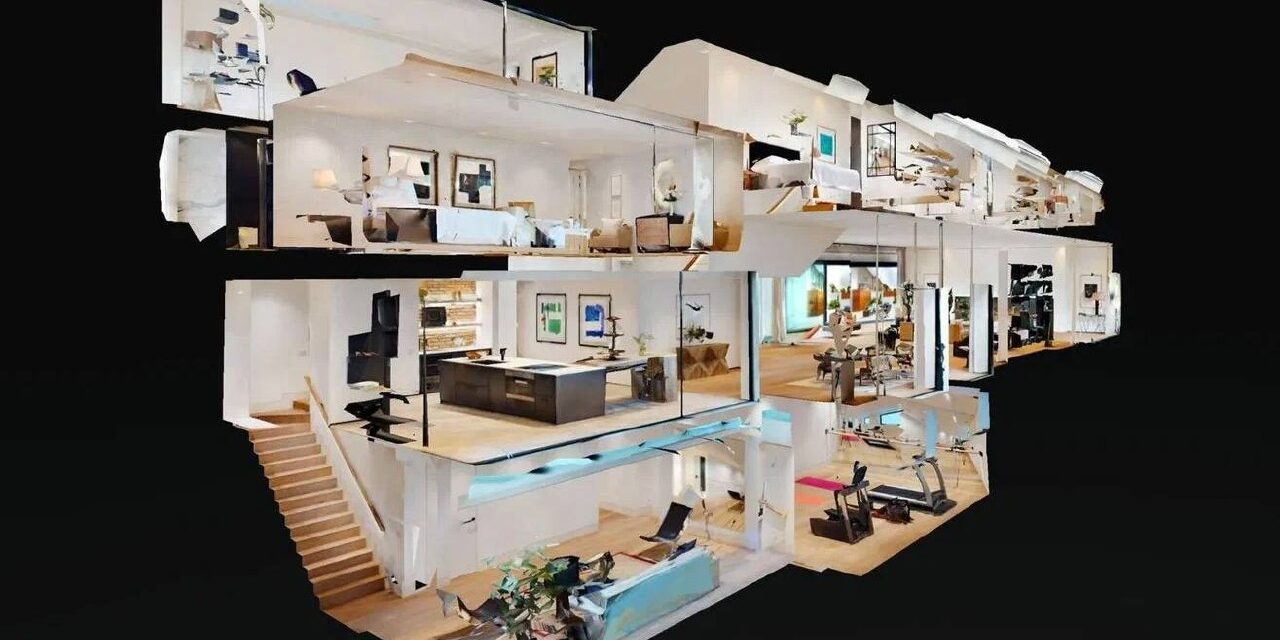
The query "matterport download" is entered monthly by thousands of users — from real estate agents and developers to specialists in exhibitions and corporate presentations. Some want to install an application for scanning objects, others are looking for a way to open a tour without internet connection, others hope to find a desktop distribution of the platform itself. In reality, not everything that seems obvious is available. Below is an honest breakdown: what actually works, and where you'll have to find a workaround.
What's available for free download
Matterport provides several official applications in open access:
- Matterport Capture (iOS and Android) — main application for capturing spaces. Freely available in App Store and Google Play. Works with Matterport Pro2, Pro3 cameras and smartphones. After capture, data is sent to the Matterport cloud for processing — that's where the final 3D tour is built.
- Matterport for VR — an app for viewing tours on Meta Quest (Oculus) VR headsets. Free to download in the Meta Quest Store. Tours are loaded from the cloud via link or through the headset's built-in catalog.
- View in browser — requires no downloads. Any published tour opens in Chrome, Firefox, Safari, or Edge via a direct link on any device. The fastest way to show a space to your client right now.
What you cannot download
It is important to set expectations in advance to avoid wasting time on non-viable scenarios:
- The Matterport platform does not install as software. Matterport is a cloud service: spatial data processing, tour rendering, storage, and streaming occur on the company's servers. There is no local distribution for Windows or macOS that works without a network connection. The only entry point is a web browser or the Capture mobile application.
- The Finished Tour Cannot Be Downloaded as MP4 from the Standard Interface. Matterport provides for video export (formats '360° Video' and 'Outside In View'), but this function is available only on paid Business and higher plans. However, the result is a linear video, not an interactive tour with navigation, points of interest, and measurements.
- An offline copy of the tour is not included in the standard plans. The platform requires a constant connection to the cloud for uploading tour data. No internet — no access. For exhibition booths, remote facilities, or corporate networks with limited access, this is a fundamental architectural limitation.
How to get an offline version of the tour
The task of 'opening a tour without internet' is solvable — but not through downloading from the Matterport platform, but through the correct placement format at the time of ordering the tour. Company 360° Space offers three storage and delivery options:
- Cloud 360° Space — the tour is hosted on the company's high-speed servers with technical support. Accessible via link from anywhere in the world. Suitable for publication on websites, newsletters, social media, and any application where there is stable internet connectivity.
- Client server — the tour is deployed on the client's own infrastructure. Full control over data and access rights. Optimal for companies with corporate security requirements, isolated networks, or closed internal portals.
- Offline version — standalone build for PC or separate build for VR headset. Works completely without internet: runs from a USB drive, local disk, or corporate server. This format specifically solves the «download the tour» task: the build exists as a self-contained file, ready to work in any conditions — at an exhibition booth, in a showroom without Wi-Fi, on an airplane, or in an area without network coverage.
Offline compilation is especially in demand for VR demonstrations at events, real estate property showings on a laptop without internet, and corporate presentations in closed networks.
How to share a tour without downloading
For most tasks, downloading the tour is not necessary at all. Tours on the 360° Space platform support three main ways of distribution:
- Embed code — embed the tour on your website or landing page via iframe. Visitors interact with a fully functional interactive tour without leaving your page. The standard solution for real estate agencies, hotels, and showrooms.
- Direct link — is sent to messenger, email, or support chat. Opens in a browser without installing applications on any device — from a smartphone to a corporate laptop.
- QR code — print and place at the point of sale, at an exhibition stand, in a brochure, or on a banner. The client scans with a smartphone and finds themselves inside the tour in seconds, without additional steps.



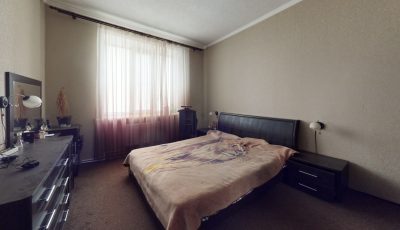

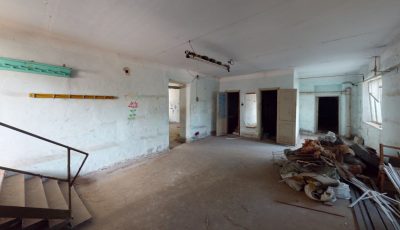


Need a tour that opens everywhere — on the website, on a tablet in the showroom, and at a booth without Wi-Fi? Calculate the cost or view ready-made projects from 360° Space — we'll select the format for your needs.
Order a 3D tour for your property
Leave your contact — we'll respond within 30 minutes and calculate the cost